
Midjourney V7
Midjourney is most realistic and powerful ai image generator in the world. Here is is the first ever release of version 7
Examples

- Prompt
- ed sheeran made of thnderstorm clouds, lights, thunder, rain, particles

- Prompt
- man on the yeacht, particles, photoreal style
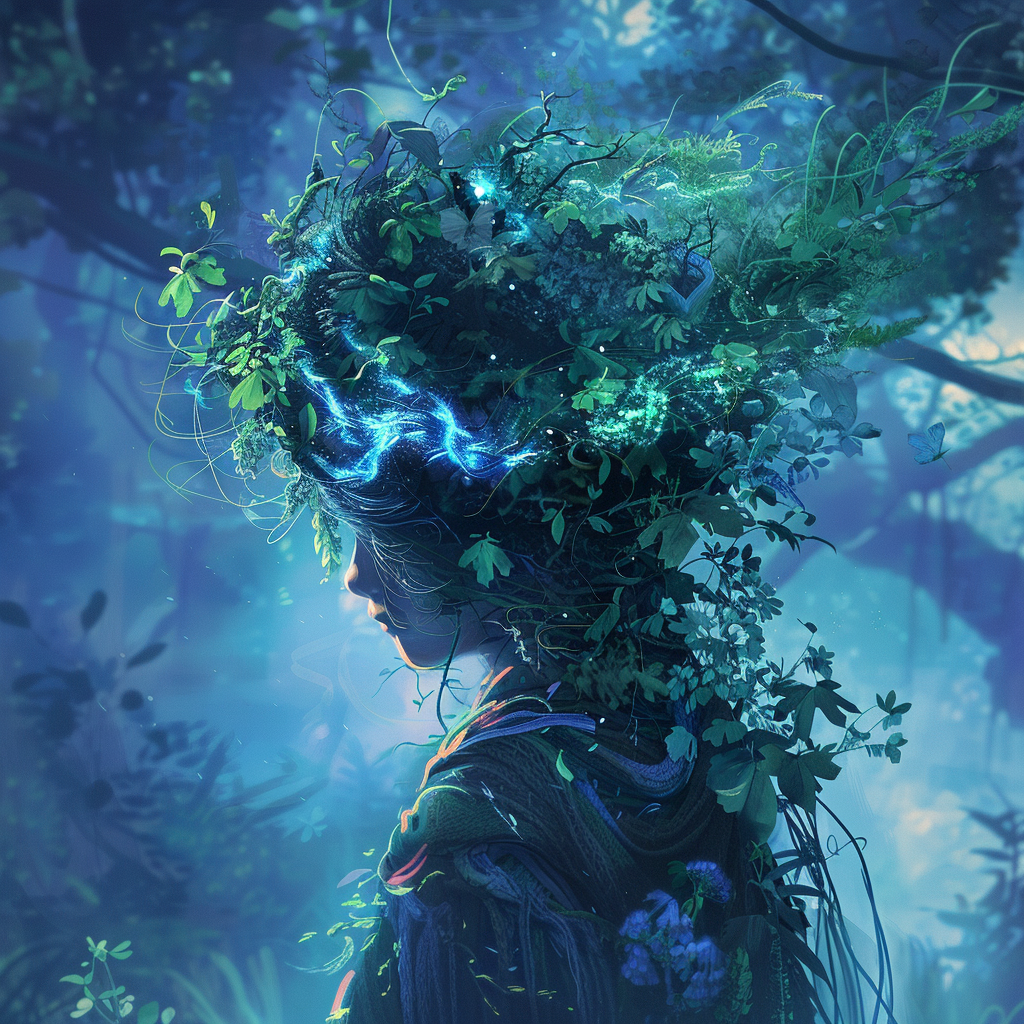
- Prompt
- A professional photo of a woman in blue particles
Usage
You can use this model using huggingface Interface API:
import requests

API_URL = "https://api-inference.huggingface.co/models/Kvikontent/midjourney-v7"
headers = {"Authorization": "Bearer HUGGINGFACE_API_TOKEN"}

def query(payload):
    response = requests.post(API_URL, headers=headers, json=payload)
    return response.content
image_bytes = query({
    "inputs": "Astronaut riding a horse",
})
# You can access the image with PIL.Image for example
import io
from PIL import Image
image = Image.open(io.BytesIO(image_bytes))
- Downloads last month
- 29
Model tree for Kvikontent/midjourney-v7
Base model
runwayml/stable-diffusion-v1-5