

metadata
tags:
  - ultralyticsplus
  - yolov8
  - ultralytics
  - yolo
  - vision
  - image-segmentation
  - pytorch
library_name: ultralytics
library_version: 8.0.6
inference: false
model-index:
  - name: fcakyon/test-model
    results:
      - task:
          type: image-segmentation
        metrics:
          - type: precision
            value: 0.63311
            name: mAP@0.5(box)
          - type: precision
            value: 0.60214
            name: mAP@0.5(mask)
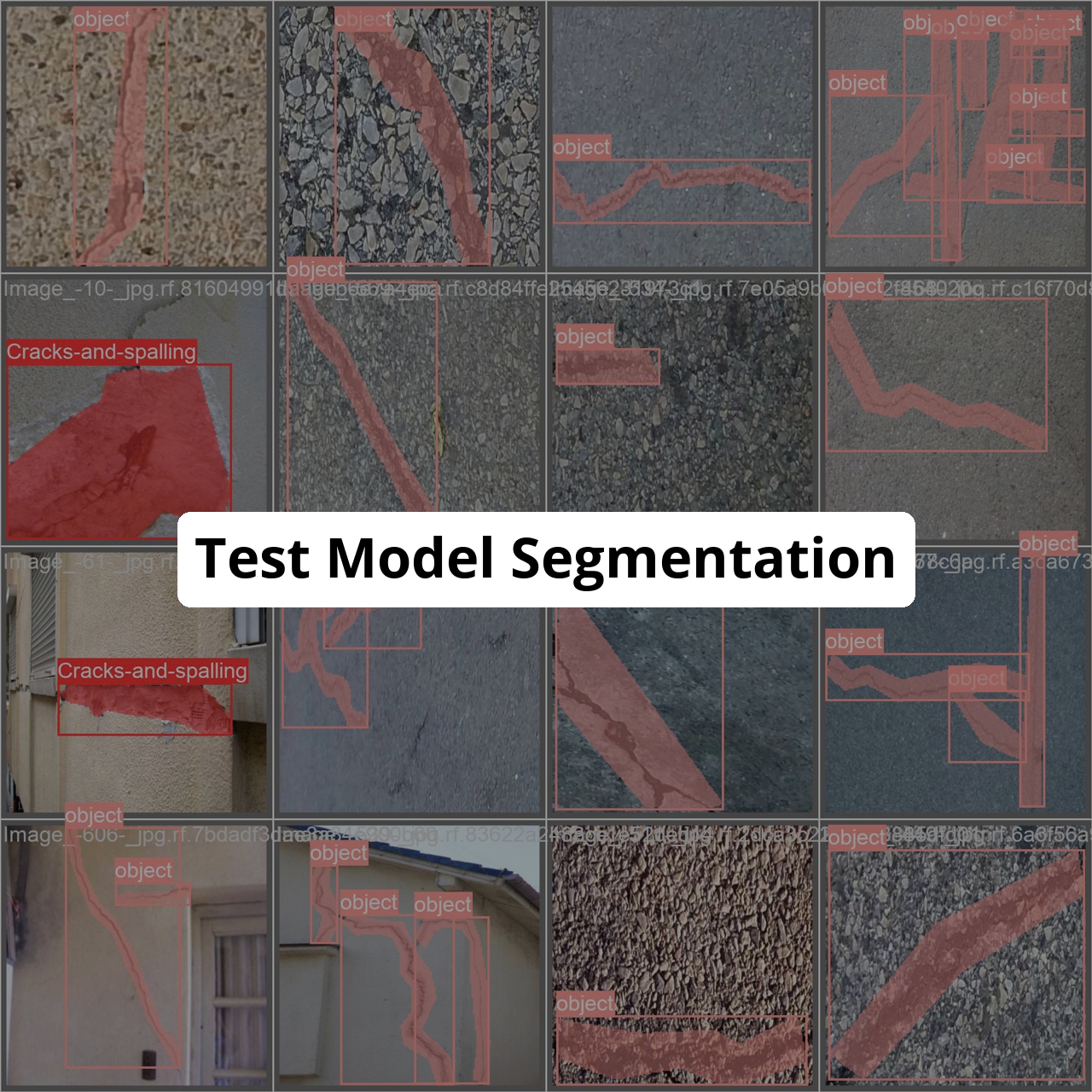
Supported Labels
['Cracks-and-spalling', 'object']
How to use
- Install ultralytics and ultralyticsplus:
pip install -U ultralytics ultralyticsplus
- Load model and perform prediction:
from ultralyticsplus import YOLO, render_model_output

# load model
model = YOLO('fcakyon/test-model')

# set model parameters
model.overrides['conf'] = 0.25  # NMS confidence threshold
model.overrides['iou'] = 0.45  # NMS IoU threshold
model.overrides['agnostic_nms'] = False  # NMS class-agnostic
model.overrides['max_det'] = 1000  # maximum number of detections per image

# set image
image = 'https://github.com/ultralytics/yolov5/raw/master/data/images/zidane.jpg'

# perform inference
for result in model.predict(image, return_outputs=True):
    print(result["det"]) # [[x1, y1, x2, y2, conf, class]]
    print(result["segment"]) # [segmentation mask]
    render = render_model_output(model=model, image=image, model_output=result)
    render.show()